PromptSEONest Chrome Extension
Stock metadata optimizer for your browser
Chrome Extension
Optimize Stock Metadata
Right From Your Browser
Fix titles, keywords & descriptions for Adobe Stock, Shutterstock & Freepik — directly on their upload pages.
Works on Chrome, Edge, Brave, Arc & Opera
Screenshots
See It in Action
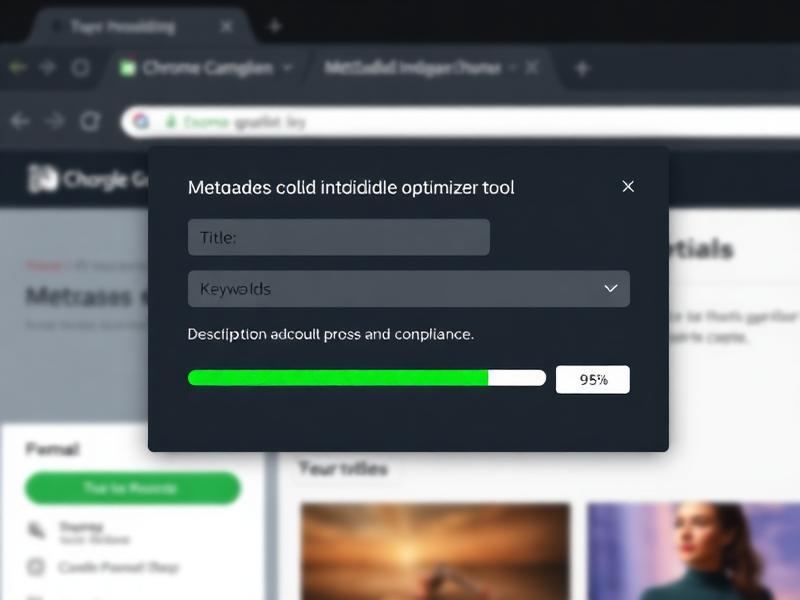
Metadata Optimizer Popup
Fix titles, keywords & descriptions with compliance scoring
🔍
Auto-Detect Platform
Detects Adobe Stock, Shutterstock & Freepik automatically
⚡
Instant Fix
Fix titles, keywords & descriptions in one click
📥
Auto-Fill
Read & write metadata directly on upload pages
📋
Compliance Score
Real-time 0-100% compliance checker per platform
🖱️
Right-Click Menu
Analyze any image from context menu
🎯
49 Keywords
Auto-generate exactly 49 single-word keywords
Supported Platforms
Adobe Stock
Shutterstock
Freepik
Installation Guide
1Download the extension ZIP file below
2Unzip the downloaded file
3Open chrome://extensions in Chrome
4Enable Developer Mode (toggle top-right)
5Click Load Unpacked and select the unzipped folder
6Pin PromptSEONest to your toolbar — ready to use!
Settings: Click the ⚙️ icon in the extension popup to enter your Claude API key and configure platform preferences.